Will Your AI Companion Still Work in Five Years? A Software Support Checklist
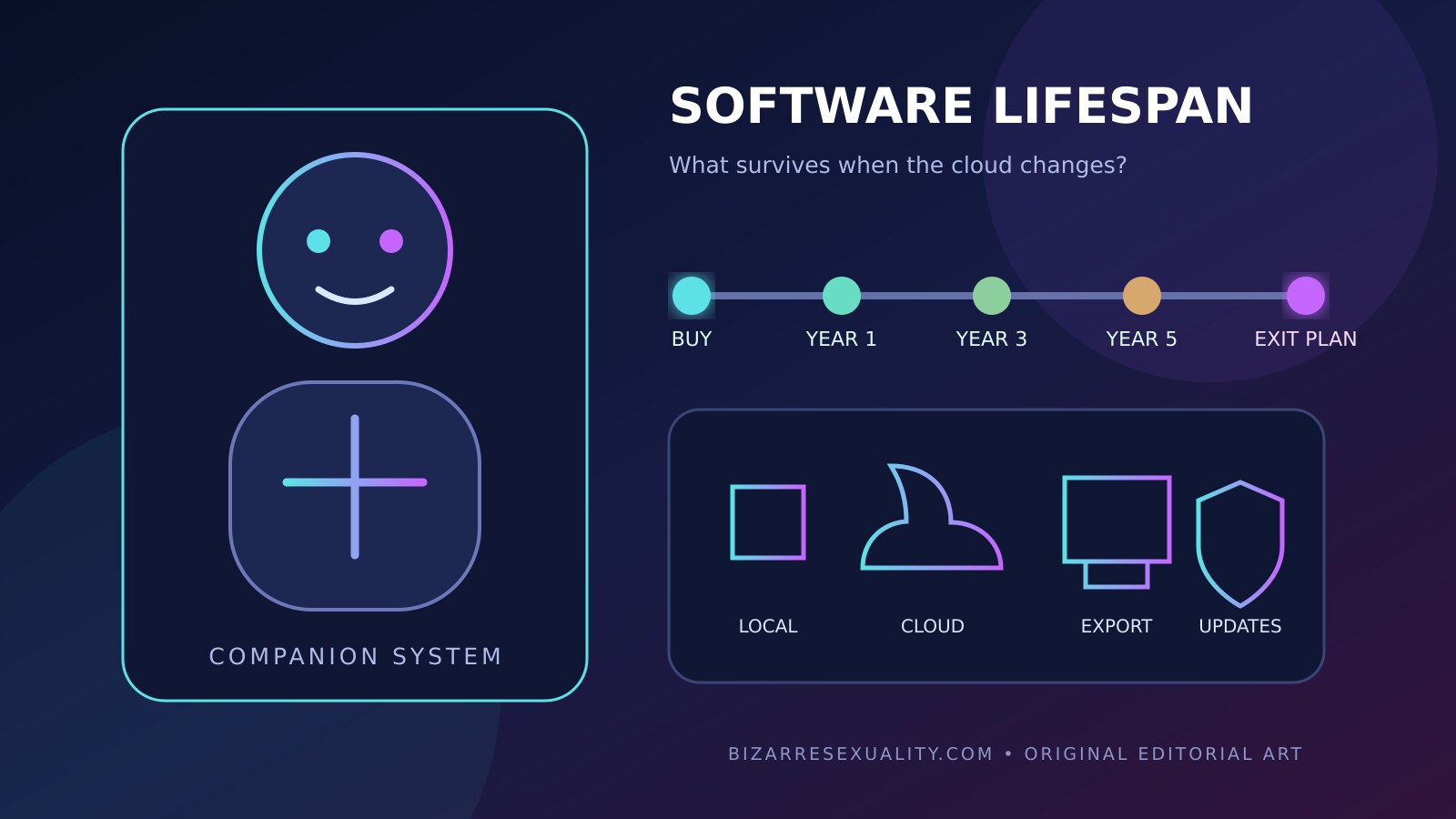
An AI companion can look like a durable physical purchase while behaving like a subscription service. Conversation, memory, speech recognition, personality settings and remote controls may depend on a mobile app, an account and servers operated by several companies. The shell can remain intact for years while the functions that made it valuable change, move behind a new payment tier or stop when a cloud service closes.
This is not a theoretical edge case unique to companion robots. The US Federal Trade Commission has warned that connected products may lose smart functions, become insecure or stop working when manufacturers stop issuing software updates. In a 2024 review, FTC staff found that 161 of the connected products examined did not state a support duration or end date on the product page. That evidence does not prove any named companion brand will fail; it shows why buyers should require a documented answer.
A useful pre-purchase audit separates hardware life, software life, security support and commercial access. Those timelines are related but not identical. A motor may be repairable after the app is removed from an app store. A local control panel may work while conversational memory disappears. A paid cloud feature may continue even after security patches end. The checklist below helps buyers record these differences without pretending that an attractive demo predicts long-term ownership.
1. Map the full system before judging the robot
Start by listing every component required for the experience you expect: physical hardware, firmware, phone app, desktop software, user account, cloud API, speech service, conversational model, payment processor and optional integrations. Ask which company controls each layer. A robot maker may design the body but license voice synthesis or language-model access from another provider. A shutdown or contract change at either company can alter the product.
Mark each feature as local, cloud-dependent or unknown. Testable local functions might include power, basic movement or controls available without an internet connection. Cloud functions may include conversation, long-term memory, remote access or media generation. Do not infer locality from words such as “private,” “personal” or “on-device” unless documentation identifies what actually runs on the hardware. Our offline-versus-cloud companion guide explains that distinction in more depth.
2. Ask for a dated software-support commitment
“Regular updates” is not a duration. Ask the seller for the minimum date through which it expects to deliver security fixes and compatibility updates for the exact model and app. Record whether the answer is a contractual commitment, a published policy, a support-agent estimate or simply unknown. A model name matters because support periods can differ inside the same product family.
The European Union’s Cyber Resilience Act establishes lifecycle cybersecurity obligations for products with digital elements and requires manufacturers to indicate a support period. The regulation describes vulnerability handling for a period generally no shorter than five years, unless the product’s expected use is shorter. Application and transition dates matter, so this should not be misrepresented as proof that every companion device sold today is already guaranteed five years of updates. It is a useful benchmark for the question buyers should ask.
3. Separate security updates from new features
A vendor may stop adding personalities or interface features while still patching security vulnerabilities. That is different from abandoning the device. Request separate answers for security fixes, operating-system compatibility, cloud availability and feature development. The most important date is not necessarily the last redesign of the app; it is the point at which known vulnerabilities will no longer be handled.
NIST’s IoT cybersecurity baseline identifies capabilities such as device identification, configuration, data protection, controlled access to interfaces, secure software updates and cybersecurity-state awareness. The baseline is guidance rather than a consumer certification for a specific robot. Use it as a vocabulary: how is the device identified, how are updates authenticated, can configuration be reset, and can the owner tell whether the product is in a secure state?
4. Define what works after a cloud shutdown
Ask the blunt question: if the company’s servers are unavailable permanently, what functions remain? Seek an answer for movement, local controls, saved settings, media, conversation history and any accessories. If a feature requires a login every time it starts, assume continued access depends on an operating service unless the manufacturer documents an offline fallback.
FTC guidance about sunsetting connected products emphasizes that companies should consider reasonable notice and the effects on people who bought the device. For a buyer, the practical counterpart is an exit matrix. Write each desired feature in one column and its post-shutdown status in another: works locally, exportable, replaceable by another service, disabled, or unknown. An unknown is not automatically a failure, but it should affect how much value you assign to that feature.
5. Check app-store and operating-system dependence
A supported cloud does not help if the control app can no longer be installed. Confirm which mobile operating systems and minimum versions are supported, whether a web interface exists and whether the app can be transferred to a new owner. Look at the app’s version history, but avoid treating update frequency alone as a security score. A stable app may need fewer visible releases; what matters is a clear support process and timely fixes when risks emerge.
Ask whether essential setup can be repeated after changing phones. Some connected products continue working until they are reset, then become impossible to reactivate because the registration service is gone. Save official installers only when the vendor permits it, and never install unofficial modified packages simply to bypass an account. Review the broader AI companion app security checklist before granting permissions or storing private conversations.
6. Demand a usable data exit
Personalization can create valuable but sensitive records: preferred names, conversation summaries, voice samples, schedules and emotional context. Ask whether you can export those records in a readable format, what is excluded and whether the export can be imported elsewhere. A PDF transcript may help a person read old chats but may not restore a learned profile in another system.
Also test deletion before the company is in trouble. Locate controls for single conversations, memories, recordings and full account erasure. Record the support address and the identity of the legal entity responsible for data. If a vendor closes, privacy requests may become harder to exercise. Our data-deletion guide provides a step-by-step evidence checklist without claiming that deletion is identical across providers.
7. Inventory subscriptions, licenses and transferable rights
Separate the hardware price from recurring services. List subscription cost, renewal cycle, included features, cancellation path and what the robot does after cancellation. Ask whether software access is licensed only to the first buyer or can transfer with the physical device. A product can have a long mechanical life and almost no resale value if the account cannot be reassigned.
Save the offer page, order confirmation and terms that applied at purchase. Do not assume a lifetime plan means the buyer’s lifetime, the company’s lifetime or the product’s lifetime; require the definition in writing. Avoid valuing a promised future feature as if it already existed. Compare the total cost through the site’s ownership-cost guide, which separates purchase, shipping, software and maintenance.
8. Assess repairability beyond replacement parts
Physical repairability includes access to batteries, motors, connectors, coverings and diagnostic information. Digital repairability adds firmware files, calibration tools, pairing credentials and the ability to replace a control board without losing authorization. Ask which repairs require the original manufacturer and whether independent service is permitted after warranty.
A spare part is not useful when software refuses to recognize it. Conversely, local manual controls can preserve part of a product’s utility even after advanced AI features end. Request a parts horizon, warranty exclusions and a safe decommissioning procedure for cameras, microphones and storage. Never open powered equipment or attempt battery work without appropriate instructions; this guide is a buying framework, not a repair manual.
9. Build an evidence scorecard instead of trusting a badge
Create a table with twelve rows: published support end date; security-update channel; app compatibility; cloud fallback; local core functions; data export; account deletion; subscription exit; ownership transfer; parts availability; vulnerability contact; and safe factory reset. Give each row one of four states: documented, observed, claimed or unknown. Link the supporting page or save the written reply.
Do not collapse the table into a dramatic “safe” or “unsafe” percentage. A buyer who values local movement may tolerate loss of cloud conversation; another may consider memory continuity essential. The scorecard’s purpose is to expose where the purchase depends on trust. Update it after major software releases, company acquisitions, policy changes or long periods without security communication.
10. Run a reversible first-week ownership test
During the return period, test without adding sensitive information. Pair the device, install updates, verify which functions survive temporary loss of internet, locate export and deletion controls, cancel any trial you do not intend to keep, and confirm that the account can be signed out of every device. Take notes about error messages and support response times.
Then perform a controlled reset only if the official instructions say it is safe and doing so will not void return rights. Confirm that reactivation works and that old data behaves as documented. This exercise is less glamorous than a conversational demo, but it measures whether you can actually control the product you purchased.
Questions to send the seller before paying
- What is the minimum security-support date for this exact model and its app?
- Which core functions operate without your cloud service?
- Can I set up the product again if the app is removed from a store?
- Can conversations, memories and settings be exported and deleted separately?
- Are subscriptions required for functions demonstrated on the product page?
- Can ownership and the associated account transfer to another adult?
- What happens to stored data and device authentication if the business closes?
- Which parts, firmware and repair channels will remain available after warranty?
A precise written answer is more valuable than a confident sales call. If the seller cannot answer, price the product as hardware with an uncertain digital lifespan rather than as a permanently evolving companion.
Sources and editorial method
This guide uses the NISTIR 8259A IoT Device Cybersecurity Capability Core Baseline, the FTC staff review of connected-product support disclosures, the FTC’s smart-product sunset guidance, and the official text of the EU Cyber Resilience Act. A Consumer Reports-led software-tethering coalition provided an independent cross-check. No named companion product was certified, tested or accused of abandonment for this article.