Companion robot security
Companion Robot Home Network Checklist: 19 Safer Wi-Fi Tests
A companion robot may combine cameras, microphones, mobile apps, cloud accounts and powered movement. Treat its network setup as a security decision, not a one-tap onboarding chore.
The short answer
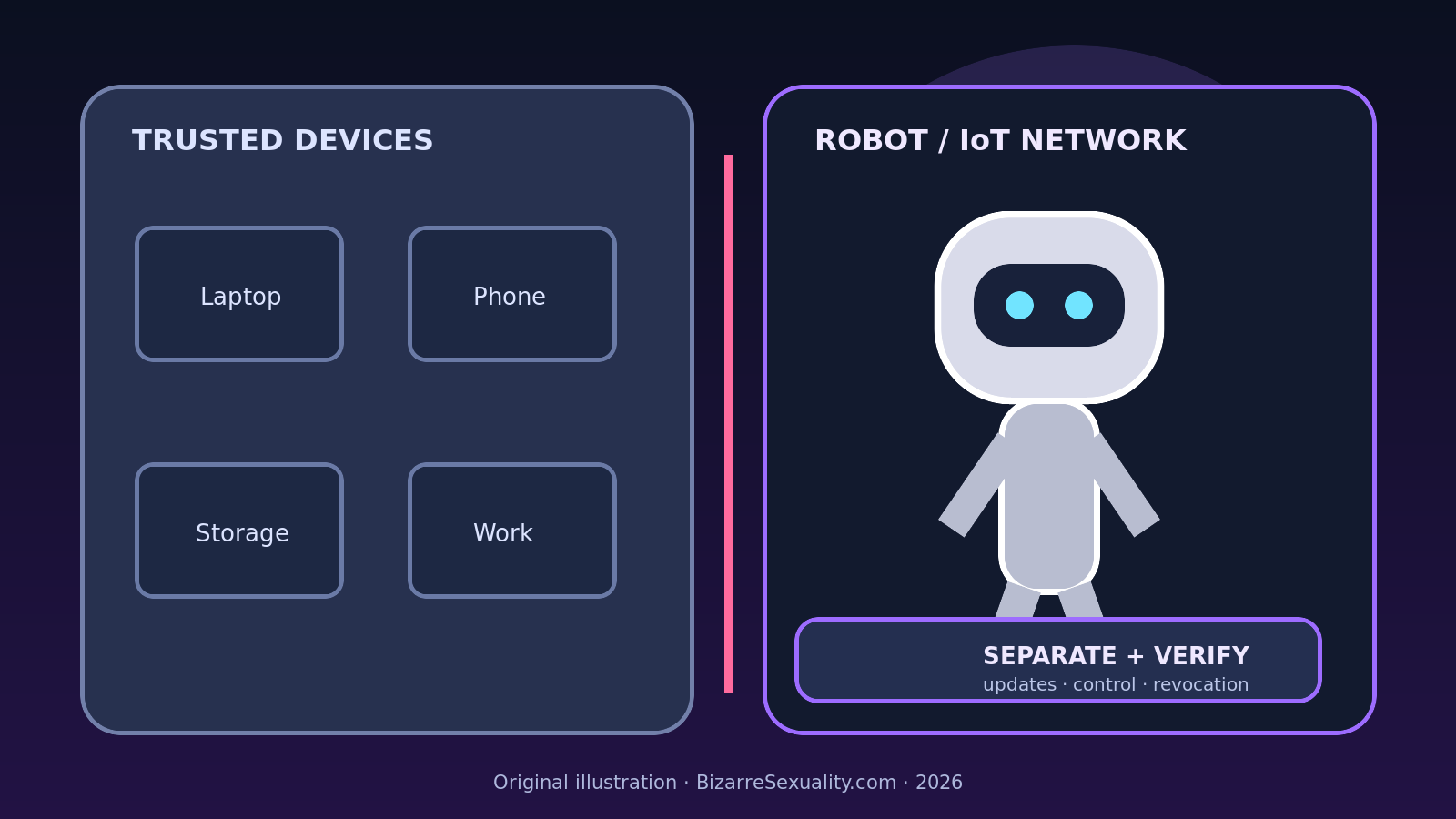
Place a connected companion robot on a separate guest or IoT network only after confirming that the router isolates it from trusted laptops, phones and storage devices. Use unique credentials, install current firmware, disable unnecessary remote access, test local control and updates, then document how to revoke the robot, app and cloud account. Network separation reduces exposure; it does not make an unsupported device safe.
Home routers make connected products feel simple: select a network name, enter a password and wait for a green light. That convenience hides several distinct relationships. The robot may communicate with a phone, a vendor cloud, a media service, a diagnostics endpoint and other equipment on the same local network. Some of those paths are required. Others exist only because a default setting left them available.
This checklist turns setup into observable tests. It does not prescribe one universal router menu, because guest-network and isolation features differ by model. It also does not claim that a companion robot has the same risk profile as a light bulb or camera. Instead, it applies established consumer-IoT principles to a product category that can contain more sensors, richer personal data and physical actuators.
NIST IR 8425 describes consumer-IoT cybersecurity outcomes for the whole product, not merely the visible device. NIST IR 8425A separately addresses consumer-grade routers because smart-home products depend on them. The U.S. Federal Trade Commission advises households to secure the router, update connected products, change default credentials and consider a guest network. Those sources support the general controls below; the robot maker's current manual remains the authority for model-specific ports, updates, pairing and recovery.
Before connecting: make a network map
Write down what must communicate. Include the robot, charging dock, phone or tablet, voice assistant, local hub and any vendor account. For each relationship, mark whether it is local, internet-based or unclear. This prevents a common mistake: opening broad access because one convenience feature failed. If a remote-control app works through the vendor cloud, placing the phone and robot on the same network may not be necessary. If setup uses Bluetooth for discovery and local Wi-Fi for control, isolation rules may need a temporary or narrowly scoped exception.
Record the router model, firmware version and administrator address before making changes. Save the current configuration if the router supports a safe export that does not expose the backup publicly. Do not experiment on a network supporting medical, security or work systems that cannot tolerate interruption. When the household depends on connectivity, schedule the change and keep a rollback path.
The 19-test home network checklist
1. Verify the exact robot and support status
Match the model, hardware revision, app publisher and installed firmware to official documentation. Look for an update policy and an end-of-support date. A visually similar model can use a different radio or cloud platform. If the seller cannot identify the supported software, network separation is not a substitute for missing maintenance.
2. Update the router before onboarding
Install the router vendor's current stable security update and confirm automatic updates if the feature is trustworthy and documented. Use the official administration interface, not a link from an unsolicited message. NIST's router guidance treats secure updates and protected management as core requirements because the router controls the boundary for every connected product.
3. Replace default router administration credentials
Use a unique, long administrator password that is not the Wi-Fi password and not reused on another service. Disable remote administration unless there is a specific need and a documented secure configuration. Log out after changes. A separate robot network offers little protection if the router's control panel remains exposed through a default credential.
4. Choose current Wi-Fi protection
Use the strongest mode supported by both router and robot without falling back to an open network. WPA3-Personal is preferable where all required devices support it; WPA2 with AES remains a compatibility option on older equipment. Avoid obsolete WEP. If the robot forces the whole trusted network into a weaker mixed mode, a dedicated access point or replacement decision may be safer than degrading every device.
5. Create a separate guest or IoT network
Give the segment its own network name and strong unique password. Do not include a surname, address or robot model in the name. A guest label alone proves nothing: read the router documentation to learn whether clients can reach the main network, each other, the administration interface or local services.
6. Confirm isolation with a real test
Connect a test phone to the proposed robot network. Try to reach the router administration page, a trusted computer, a network drive and another test client. The intended result is model-specific, but unexpected reachability means the label is not delivering the assumed boundary. Return settings to their previous state if the test creates instability.
7. Decide whether peer-to-peer traffic is necessary
Some guest networks block devices from talking to each other. That can limit lateral movement, but it can also prevent local app control, casting or setup. Do not disable isolation globally just to make pairing easier. First determine whether the app can use Bluetooth, a vendor relay or a rule limited to the controller and robot.
8. Disable push-button WPS
The FTC recommends turning off Wi-Fi Protected Setup when it is not needed. Add the robot with the normal protected process described by the manufacturer. If the product supports only a legacy pairing method, document that limitation and decide whether convenience justifies keeping an older mechanism enabled.
9. Inventory every new device entry
After pairing, compare the router's device list with the robot, dock and controller. Note names, MAC addresses and assigned addresses without publishing them. An unfamiliar entry may be a legitimate component, but it deserves identification before normal use. Screenshots should be stored privately because they can reveal network details.
10. Change robot and app defaults
Replace default device passwords or PINs, use a unique vendor-account password and enable multi-factor authentication when offered. Remove demonstration or installer accounts. A local passcode, cloud login and Wi-Fi secret protect different layers; changing one does not automatically rotate the others.
11. Review permissions on the controller
Grant the mobile app only the camera, microphone, Bluetooth, local-network and location permissions needed for documented functions. Test whether a denied permission breaks a necessary feature before restoring it. Operating-system permission screens show access requests, but they do not reveal every server-side use of data.
12. Disable services you will not use
Turn off remote viewing, developer mode, file sharing, voice activation, third-party integrations or diagnostics when official settings allow it and the household does not need them. Do not block unknown ports at random: an improvised firewall rule can interrupt updates or emergency support while creating a false sense of control.
13. Test normal control across the boundary
From the trusted phone network, attempt the ordinary actions the household expects: status, pause, approved stop, privacy mode and shutdown. Record which actions work locally, which traverse the cloud and which fail. Keep physical safety controls independent of Wi-Fi wherever the product design permits; our emergency stop checklist explains why an app command should not be assumed equivalent to a physical stop.
14. Test loss of internet without creating motion
With the robot idle, temporarily disconnect internet access using the router's documented control. Observe whether local control, status and privacy settings remain available. Restore access and verify that the device reconnects deliberately. Do not stage a moving scenario merely to discover what happens when the cloud disappears.
15. Confirm security updates still arrive
Use the vendor's official interface to check for updates while the robot remains on the separated network. A segment that blocks maintenance creates a different risk. Record the firmware version and check date. If updating requires broad access, ask the manufacturer for the exact dependency rather than leaving an unrestricted exception indefinitely.
16. Check router logs without turning them into surveillance
Review connection summaries for repeated failures, unexplained destinations or excessive attempts, but avoid collecting more household data than needed. Consumer logs rarely prove malicious activity by themselves. A domain may belong to a content-delivery or update provider. Preserve a short, dated record and ask official support before making accusations.
17. Revoke the product as a drill
Learn how to pause or block the robot at the router, sign out other vendor sessions and remove an authorized controller. Then restore only the access you intended. A response plan is more credible after a calm rehearsal than during a lost-phone or account-takeover incident.
18. Document factory reset and transfer
Find the official procedure for deleting accounts, recordings, learned profiles, Wi-Fi credentials and paired devices. The FTC's smart-home transfer guidance recommends factory resetting connected devices and having the new owner create an account and update the product. For a sensor-rich companion, confirm cloud deletion separately; a local reset may not erase server copies.
19. Re-test after meaningful changes
Repeat the reachability, control and update checks after router replacement, mesh expansion, firmware upgrades, app changes, repair, resale or a long period offline. Network names can survive while isolation behavior changes underneath. Date the result so later troubleshooting does not rely on memory.
What network separation can and cannot do
A separate segment can reduce the robot's ability to discover or contact trusted household devices. It can also make revocation easier. It cannot correct weak vendor authentication, erase cloud recordings, guarantee the absence of vulnerabilities, stop all internet communication or make an abandoned product receive updates. It may also break legitimate local functions. The correct question is not “Is it on guest Wi-Fi?” but “Which connections remain possible, and which were actually tested?”
Advanced routers may offer VLANs, firewall rules and per-device policies. Those controls can be useful, but complexity creates its own failure modes. A misapplied rule can expose management interfaces or silently block updates. Households without networking experience should prefer a well-supported router's documented guest or IoT feature over copied commands they do not understand.
When to stop onboarding
Do not proceed if the robot requires an open network, the app publisher cannot be verified, default credentials cannot be changed, official updates fail, the router must disable security for compatibility, or the product reaches trusted devices despite the intended boundary. Also stop if the manufacturer documentation contradicts the proposed setup. Preserve purchase and support records and use the return process while it remains available.
Sources and scope
This guide was checked on October 18, 2026 against NIST IR 8425, Profile of the IoT Core Baseline for Consumer IoT Products, NIST IR 8425A, Recommended Cybersecurity Requirements for Consumer-Grade Router Products, the FTC's Securing Your Internet-Connected Devices at Home and How To Secure Your Home Wi-Fi Network. These sources address consumer IoT and home networks generally; they do not certify any named companion robot.
For the next layer of review, use our camera and microphone privacy guide, data deletion checklist and software support lifespan guide. They separate network reachability from sensor permissions, retention and long-term maintenance.