Companion Robot Charging Safety: 17 Checks Before You Plug In
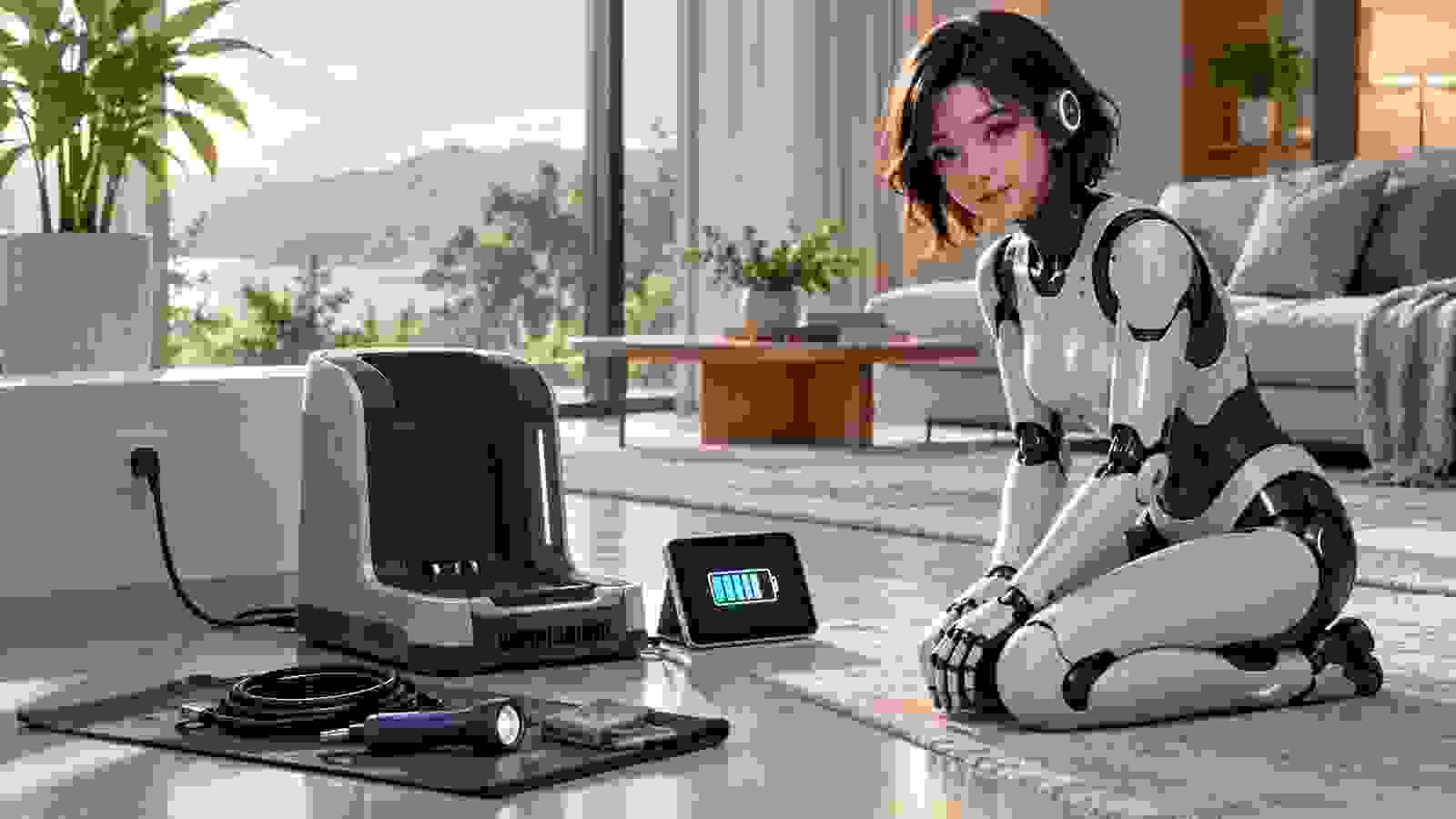
Direct answer: charge a companion robot only with the manufacturer-approved dock, battery and power supply; place the equipment on a stable hard surface with clear airflow; inspect the plug, cable, contacts and battery area before every charge; keep heat, moisture and combustible material away; follow the documented temperature limits; and stop immediately if you notice swelling, impact damage, unusual heat, odor, noise, smoke or repeated charging errors.
A companion robot may combine a large lithium-ion battery, powered joints, onboard computers and a docking system that operates for hours. That makes charging part of ownership, not a background detail. The exact procedure must come from the manual for the specific model, but buyers can still use a consistent checklist to expose missing instructions, incompatible equipment and a poorly chosen charging location.
This guide translates general battery-safety principles into questions for companion-robot owners. It does not diagnose a damaged pack, replace the manufacturer’s instructions or tell you to open a sealed robot. If equipment appears damaged, isolate the area without touching a hot or smoking device, follow the product’s emergency guidance and contact local emergency services when necessary.
1. Identify the complete approved charging system
Write down the model numbers for the robot, battery, charging dock, external power supply and detachable cable. A connector that physically fits is not proof of electrical compatibility. Voltage, current, communication and thermal controls may differ even among products from the same brand. The National Fire Protection Association advises using charging equipment compatible with the device and, for the safest default, the equipment supplied with it.
If any part is missing or replaced, obtain written compatibility confirmation from the manufacturer or authorized seller. Do not improvise with a travel adapter, universal power brick or third-party dock merely because the robot begins to charge. Add the approved part numbers to your purchase record and warranty file.
2. Read the charging section before first power-on
Find the required input voltage, operating temperature, charging temperature, clearance, floor type and indicator meanings before connecting power. Check whether the robot should be switched off, awake, locked in a pose or placed in a transport mode. Some docks require a setup sequence or calibration that cannot be inferred from the shape of the contacts.
Save the manual outside the vendor app so it remains available during an account outage. If the documentation lacks charging limits or emergency instructions, treat that absence as a purchasing risk and ask support for a dated answer.
3. Choose a hard, stable and visible location
Use a level, non-soft surface where the dock cannot tip and the robot can approach without catching a rug or cable. NFPA guidance warns against charging devices on beds, couches or beneath pillows because soft materials can trap heat. A large robot also needs enough physical space to dock without striking furniture or blocking a door.
Visibility matters. A dock hidden behind curtains or inside a crowded cabinet makes early warning signs harder to notice. Keep the area accessible for routine inspection but protected from children, pets and accidental impacts.
4. Keep ventilation paths clear
Locate intake and exhaust openings on the dock, power supply and robot. Maintain the clearance stated in the manual and do not cover vents with fabric, packaging or decorative panels. Normal charging can produce heat; trapped heat can also accelerate component aging and hide an abnormal rise in temperature.
Do not assume a larger gap is always sufficient if the manufacturer specifies a particular orientation. A power brick designed to lie flat may cool differently when wedged upright. Preserve the tested arrangement.
5. Inspect the outlet and plug
Use an outlet that is secure, undamaged and suitable for the charger’s rated input. Stop if the plug is loose, discolored, cracked or unusually warm. Avoid stacking adapters and avoid routing the robot through an extension arrangement not approved by the manufacturer. If the property’s wiring condition is uncertain, consult a qualified electrician rather than using the robot as a test load.
Record whether the dock needs protective earthing. Do not remove a grounding pin. For international travel, verify both voltage and the approved adapter arrangement; plug shape alone does not establish compatibility.
6. Examine cables along their full length
Look for crushed sections, cuts, exposed conductors, sharp bends and damage near strain-relief points. Position the cable where wheels, powered joints and people cannot pull or roll over it. A companion robot that autonomously docks should never cross its own loose power lead.
Do not repair a mains cable with tape or splice it into another lead. Replace damaged charging equipment through an authorized route and preserve the failed part only if the manufacturer’s return instructions require it.
7. Check contacts and docking geometry
Inspect charging contacts for debris, corrosion, moisture and obvious deformation while the dock is disconnected. Clean only by the documented method. Abrasives, metal tools or liquid cleaners can remove coatings or create a short circuit. Confirm that the robot sits squarely and that alignment indicators reach the state described in the manual.
Repeated connection and disconnection, sparking, grinding or a robot that constantly repositions itself are not normal merely because charging eventually starts. Stop the cycle and request support before contact damage becomes worse.
8. Verify battery condition without opening the robot
Use external signs and built-in diagnostics. Look for a distorted panel, new gap, unusual pressure, impact mark, leakage, unexpected shutdown or battery-health warning. Never open a sealed pack to inspect cells. The US Consumer Product Safety Commission identifies overheating, fire and electrical shock among battery and charger hazards, including incidents during use, storage and charging.
If the robot has been dropped, flooded or involved in a collision, follow the manufacturer’s post-impact instructions before recharging. Damage can exist without a dramatic exterior mark.
9. Respect documented temperature limits
Let equipment return to the permitted temperature after cold transport, direct sunlight or heavy operation. NFPA consumer guidance recommends keeping batteries near room temperature when possible and not charging below 32°F (0°C) or above 105°F (40°C); the robot’s own documented range may be narrower and therefore controls.
Do not use improvised heating or cooling to force a pack into range. Condensation after moving a cold robot indoors creates an additional moisture risk. Wait for the product’s specified acclimation period.
10. Keep water and conductive objects away
Charging contacts should remain dry and free of coins, jewelry, loose screws and metal tools. Do not position the dock beside a sink, humidifier, open window or area routinely cleaned with wet equipment. If liquid reaches the robot or dock, disconnect power only when it is safe to do so and follow the manufacturer’s liquid-exposure procedure.
A robot marketed for washable surfaces is not necessarily approved for charging in a wet location. Cleaning claims and charging-environment ratings are separate facts.
11. Supervise the first complete charge
For a new robot, replacement battery or relocated dock, observe the complete cycle while you are awake and nearby enough to notice errors. Compare the time, temperature indications and status lights with the manual. Do not invent a maximum surface temperature; use the product’s diagnostics and support thresholds.
Keep a short setup log with start time, initial percentage, completion time and any warnings. This supports an early return or warranty claim without pretending that consumer observation replaces technical testing.
12. Understand charge completion and scheduling
Determine whether the robot stops charging automatically, maintains the pack, schedules charging or expects manual disconnection. NFPA’s general consumer advice says not to continue charging a device or battery after it is fully charged. Follow the robot maker’s specific instructions for a managed dock, because some systems are designed to remain connected while using battery-management controls.
Disable unnecessary overnight schedules until the first cycles are understood. If software controls the schedule, verify what happens after an app update, clock error, network outage or factory reset.
13. Treat recurring errors as a fault, not an inconvenience
Save the exact error code, time, battery level and environmental conditions. Repeatedly reseating the robot, power-cycling the dock or dismissing a heat warning can erase useful evidence while allowing a fault to progress. Use the official troubleshooting sequence once, then escalate when it says to stop.
Do not install unofficial firmware to bypass a charging lock. That may remove a safety control, compromise privacy and affect warranty coverage. Review the software-support checklist before accepting any unofficial workaround.
14. Know the warning signs that require immediate action
- New swelling, case distortion or panels separating near the battery.
- Smoke, vapor, hissing, popping or an unfamiliar chemical odor.
- Heat that is abnormal for the product or a temperature warning.
- Burn marks, melted plastic, discolored contacts or a hot plug.
- Liquid exposure, major impact or repeated charging interruption.
Do not touch, move or carry a hot, smoking or venting battery unless official emergency guidance and conditions make that safe. Move people away, call emergency services when appropriate and state that a lithium-ion battery may be involved. Never place a damaged pack in household trash.
15. Plan storage and long periods of non-use
Use the documented storage charge, temperature and inspection interval. Do not guess that 100 percent is ideal for months of inactivity. Disconnect or leave docked only as the manual directs, and protect the robot from moisture, temperature extremes and mechanical pressure.
Set a calendar reminder to inspect the pack and recharge only at the recommended interval. Preserve access to the manual, support address and battery part number even if the robot’s subscription is cancelled.
16. Audit replacement batteries before purchase
Confirm the exact part, seller, warranty, installation method and shipping restrictions. A low-priced pack without traceable specifications can create both safety and support risks. Ask whether replacement requires authorized service and whether the old battery must be returned through a hazardous-waste channel.
Include future battery cost in the five-year ownership worksheet. Availability matters as much as current price: a sealed robot with no supported replacement path may have a shorter useful life than its mechanical condition suggests.
17. Create a one-page charging record
Store the robot, battery, dock and power-supply model numbers; manual version; approved temperature range; support contact; warranty terms; normal indicator sequence; shutdown method; and local emergency number. Add photographs of the original equipment and serial labels. Keep the record outside the companion app.
Recheck it after a firmware update, battery replacement or move to another country. The purpose is not bureaucracy. It is to make the safe default obvious when an error appears and stress makes details harder to recall.
Sources and editorial method
This guide uses the National Fire Protection Association lithium-ion battery guidance, its consumer safety tip sheet, and the US Consumer Product Safety Commission battery overview. These sources provide general principles, not model-specific approval. The manufacturer’s current manual and safety notices remain controlling for the exact robot, battery, charger and territory.